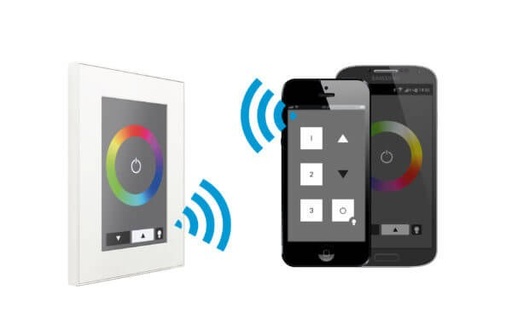



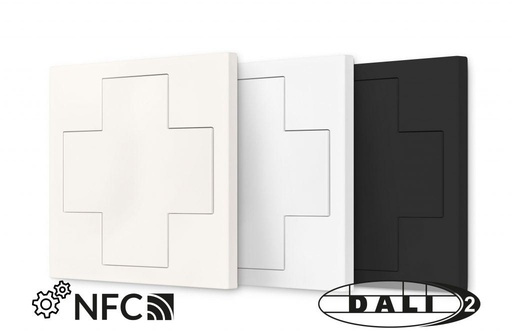



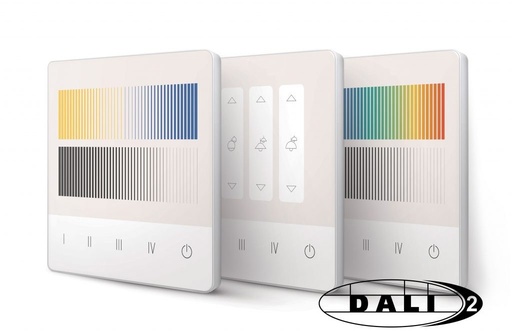

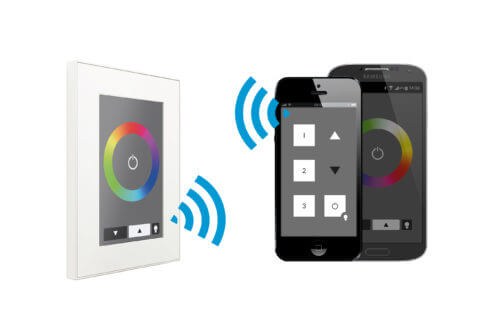
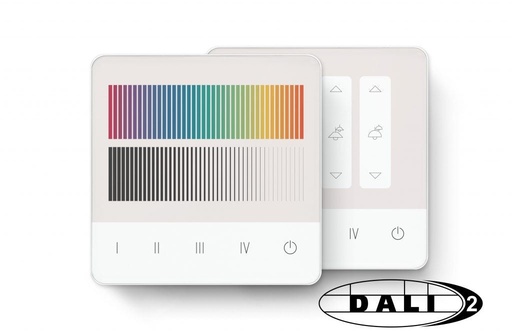
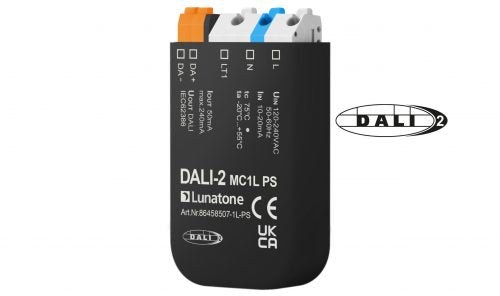
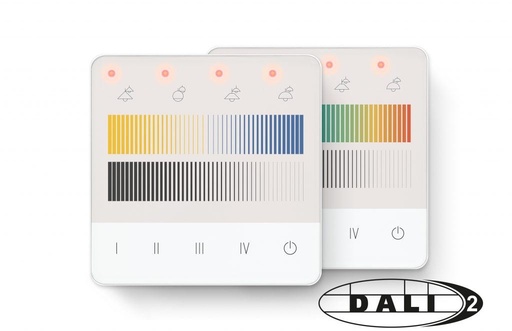
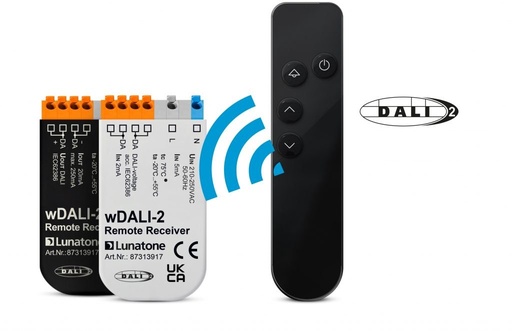

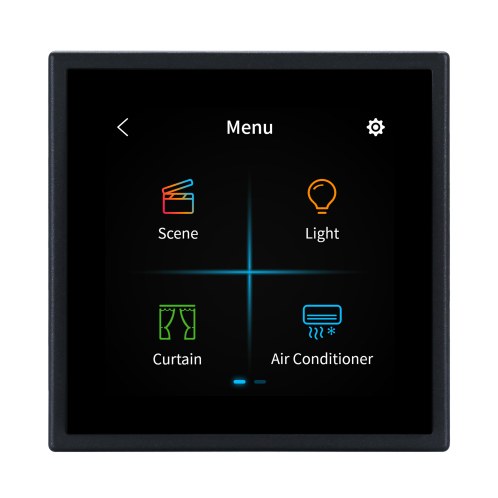
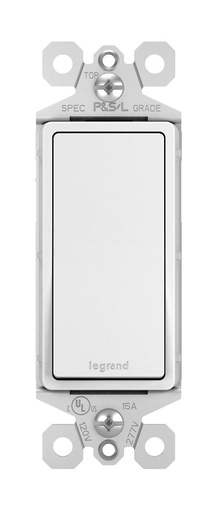

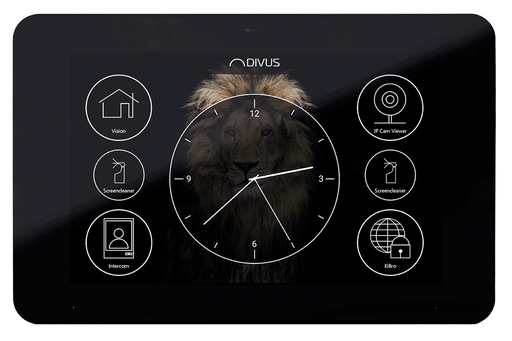

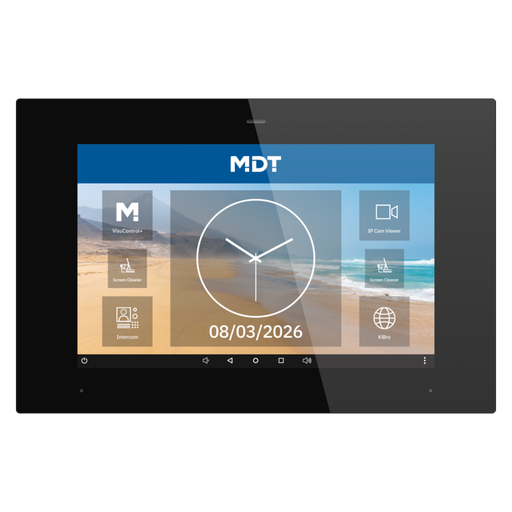

KNX push buttons and touch panels are the part of a smart building people actually touch. A push-button sensor sends commands on the KNX bus to switch, dim, move blinds or recall scenes; a touch panel adds a screen for rooms, climate and visualisation. Because KNX is an open standard (EN 50090, ISO/IEC 14543-3), panels from one brand work with actuators from another.
Filter by brand, number of buttons, colour or screen size, and add products to the project planner to get a device list for your project.
Frequently asked questions
Do KNX push buttons need a separate power supply?
Most KNX push buttons are powered from the KNX bus itself (30 V DC SELV), so no extra wiring is needed. Some touch panels with larger screens need an auxiliary 24 V DC or mains supply; check the product's specifications.
Can I mix push buttons and actuators from different brands?
Yes. All KNX certified devices are configured with the same tool, ETS, and work together on one bus whatever the manufacturer.
What is the difference between a push button and a room controller?
A push button sends switching, dimming and scene commands. A room controller adds a temperature sensor and often a display, so it can also control heating, cooling and ventilation for the room.